Pin Reviews App
Overview
The Pin Reviews app is a powerful tool designed to boost customer engagement, build trust, and increase your store’s conversion rates by showcasing product reviews and testimonials. Here’s a breakdown of its key features and benefits:

Key Features
1. Boost Product Engagement
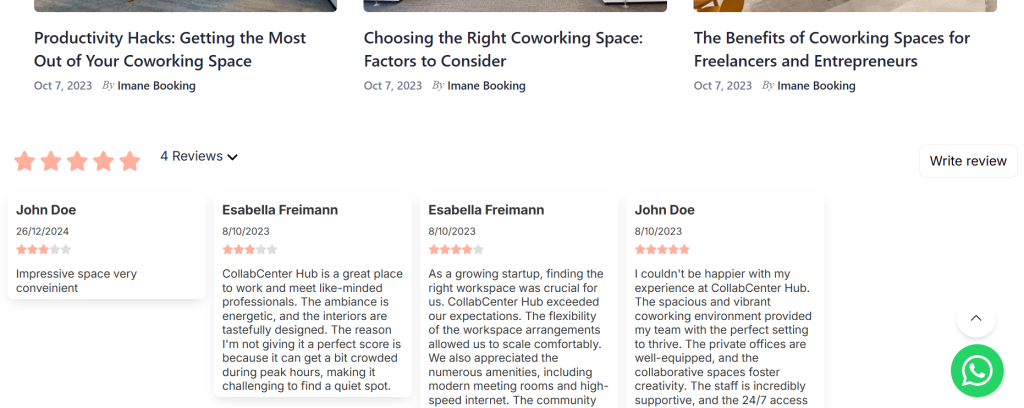
- Social Proof: Display customer reviews on your product pages to encourage more interaction and interest in your products. Reviews serve as valuable social proof that helps validate your offerings.
2. Build Customer Trust
- Positive Feedback Collection: Collect and display positive reviews to enhance customer confidence in your store and products. The more trusted your brand feels, the stronger your relationship with your audience.
3. Increase Conversion Rates
- Turn Visitors into Buyers: Positive customer reviews can influence undecided visitors and help convert them into paying customers.
4. Share Valuable Insight
- Informative Testimonials: Showcase customer testimonials to effectively share detailed information about your products. This helps potential buyers make informed decisions and feel assured of their purchase.
5. Respond and Build Your Reputation
- Opportunity for Interaction: Engage with your customers by responding to their reviews. This proactive approach helps maintain a strong online presence and builds a positive e-reputation.
Why Use Pin Reviews?
- Increased Sales: Reviews help bridge the gap between hesitancy and purchasing, ultimately boosting your revenue.
- Customer Insights: Learn more about customer experiences and improve your offerings.
- Brand Reputation: Build a positive brand image by showcasing authentic customer feedback.
Step-by-Step Instructions
1. Activating the Review Feature
- Log In: Sign in to your Storeino account.
- Navigate to Apps Marketplace: look for pin reviews app and activate it.

2. Managing Reviews

- View Reviews:
- Go to the “Manage Reviews” section in the app.
- Here, you can see all submitted reviews along with their statistics.
- Confirming Reviews:
- In the “Manage Reviews” section, find the comment you want to confirm.
- click on the the green check button to confirm the review.
- Delete a Review:
- Click on the “Delete” button next to the unwanted review.
- Confirm the deletion when prompted.
- Publish Reviews:
- Click on the “Publish” button next to the positive review to make it visible on your store page.
3. Pin Settings
you can customize pin reviews settings by manipulating comment elements, popup widget, texts and placements.


After setting up your options, you can click “Confirm” to view changes.