Affiliate Dashboard
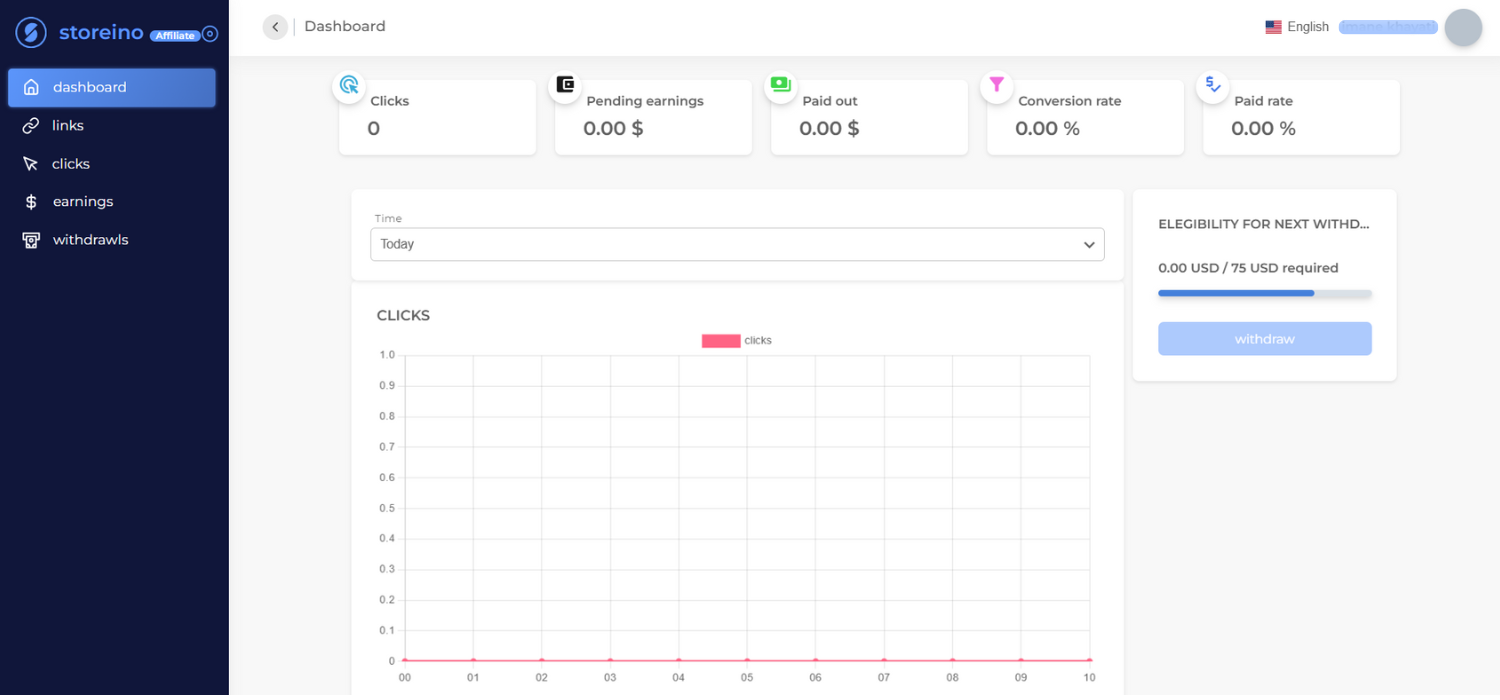
By clicking the Affiliate button on the manager account, The Affiliate Dashboard offers a centralized view for managing and tracking affiliate performance metrics. Here’s a breakdown of the key sections:
- Summary Metrics:
- Clicks: Total number of clicks generated by your affiliate links.
- Pending Earnings: Total earnings awaiting validation.
- Paid Out: Total amount already withdrawn.
- Conversion Rate: Percentage of clicks that result in successful actions (e.g., purchases).
- Paid Rate: Percentage of earnings successfully paid out.
- Clicks Graph:
- A visual representation of click performance over time.
- Users can filter by time periods such as Today, This Week, etc., for detailed insights.
- Withdrawal Eligibility:
- Displays the current balance and the minimum threshold required for the next withdrawal (e.g., 0.00 USD / 75 USD required).
- Withdraw Button: Initiates a withdrawal request once eligibility criteria are met.
- Navigation Menu:
- Dashboard: Access overall performance metrics and activity.
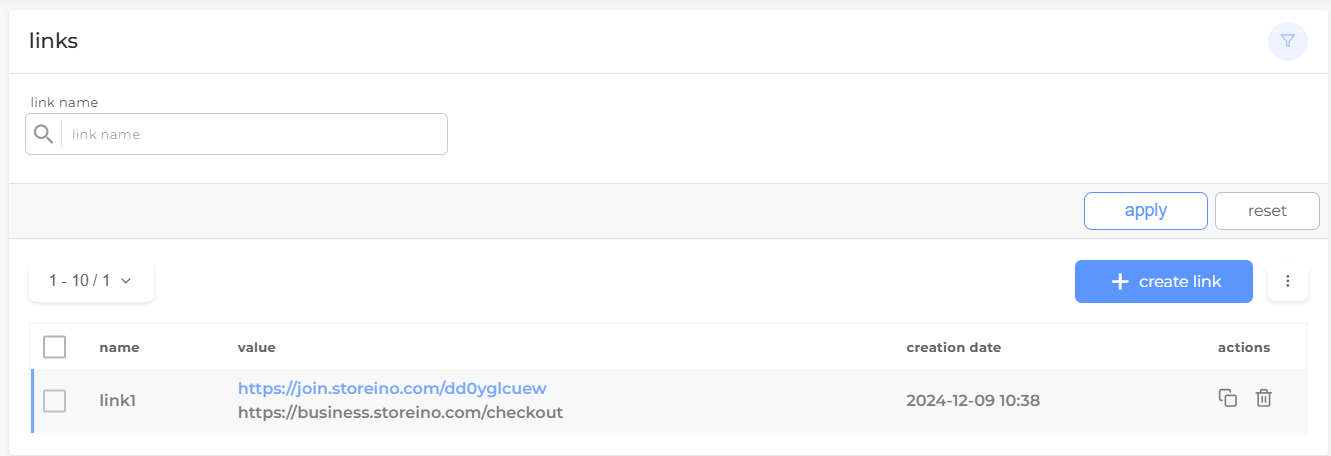
- Links: Manage affiliate links.
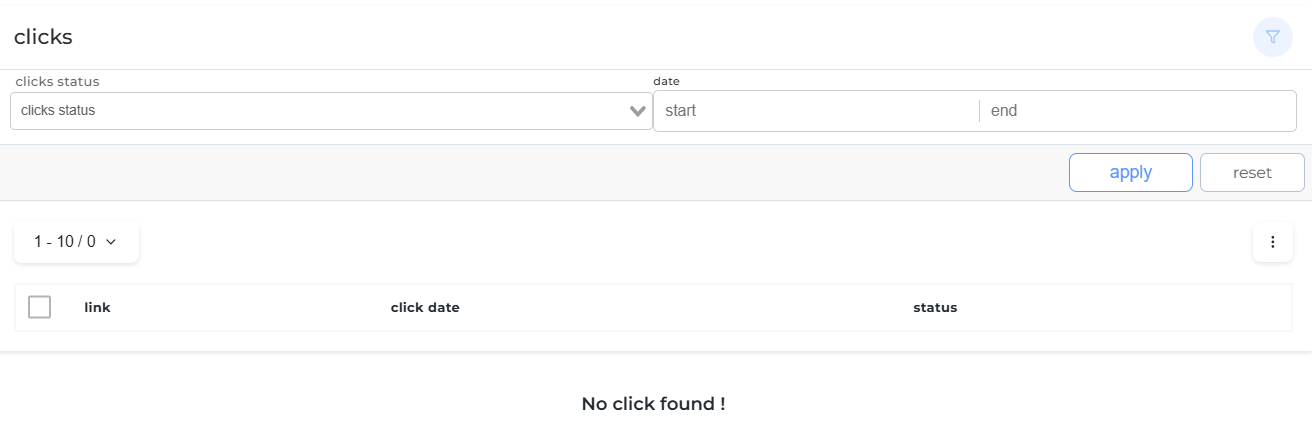
- Clicks: View click-specific statistics.
- Earnings: Check detailed earnings reports.
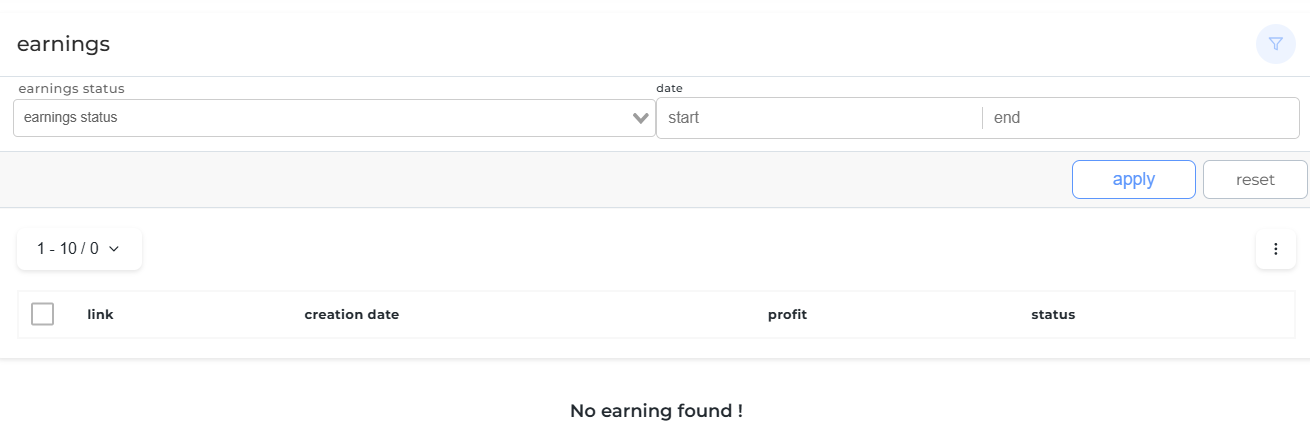
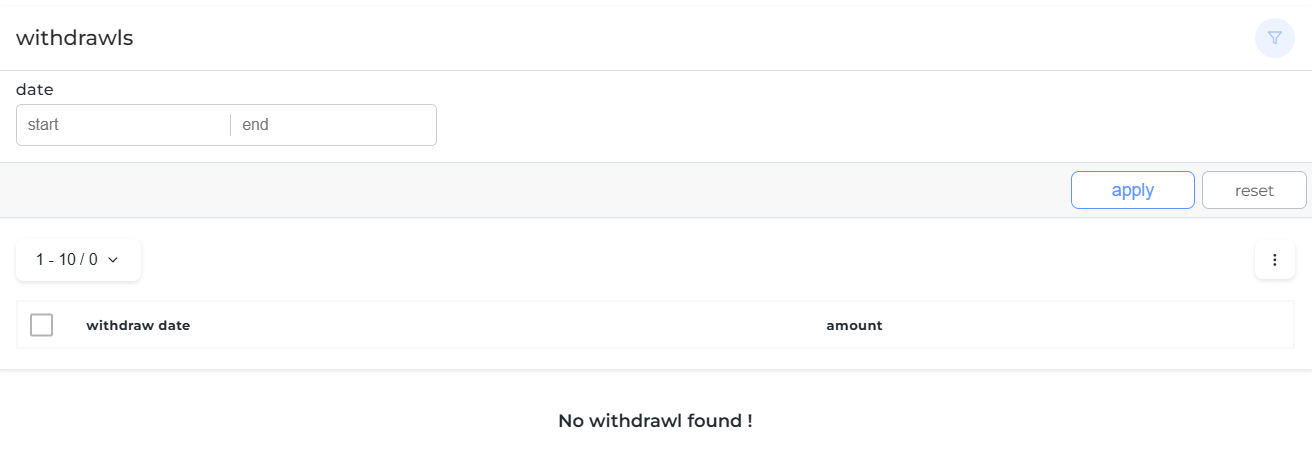
- Withdrawals: Monitor withdrawal history and status.
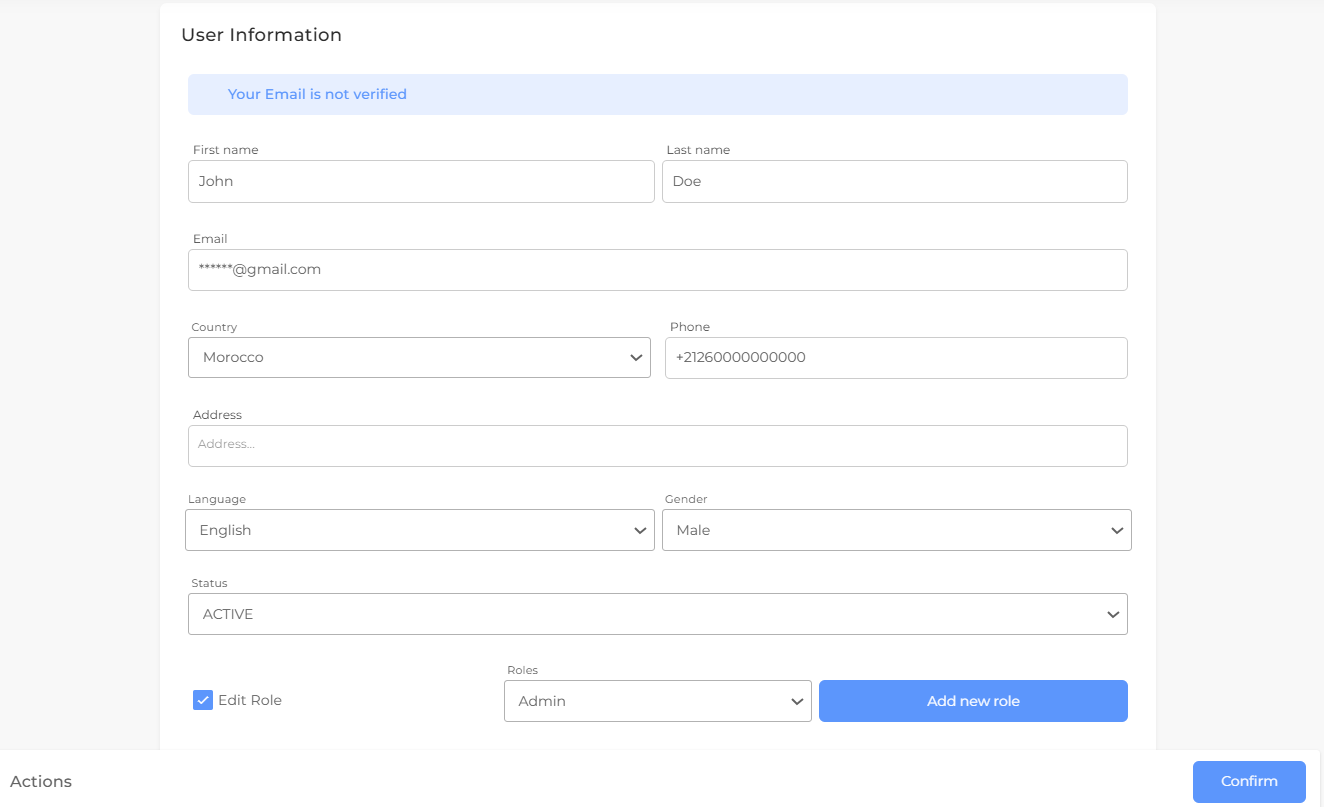
This section offers various features, including accessing the live support chat, managing your balance through the recharge interface, switching languages, and navigating to your store dashboard or profile.
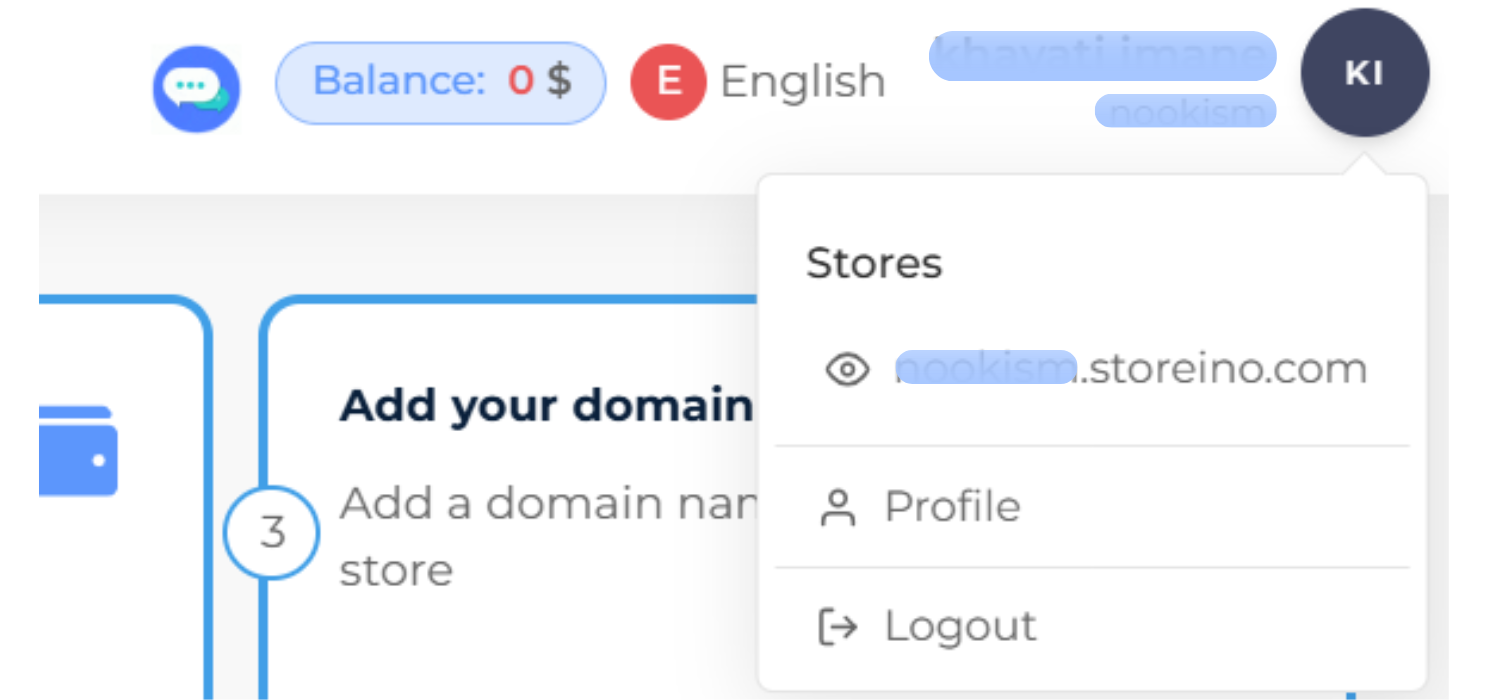
In your profile, you can update your information as needed.