PopUp Offer Application
About the PopUp Offer App
PopUp Offer is a powerful app designed to boost engagement and sales by strategically displaying pop-ups on your store. These pop-ups can be used for:
- Promotional Offers
- Discount Notifications
- User Engagement Campaigns
The app enables you to create fully customizable pop-ups to capture visitor attention and encourage action.

Key Features
- Customizable Pop-Ups: Create unique pop-ups by editing background colors, fonts, messages, and display settings.
- Dynamic Messaging: Display personalized messages for new and returning visitors, adapting to their engagement history.
- Randomized Products: Highlight products dynamically within pop-ups to encourage product discovery and impulse purchases.
- Timed Animations: Control how long the pop-up is visible and how frequently it appears.
- Flexible Positioning: Choose where on the page your pop-ups appear for maximum visibility and impact.
How to Integrate the PopUp Offer App
From Your Store Dashboard
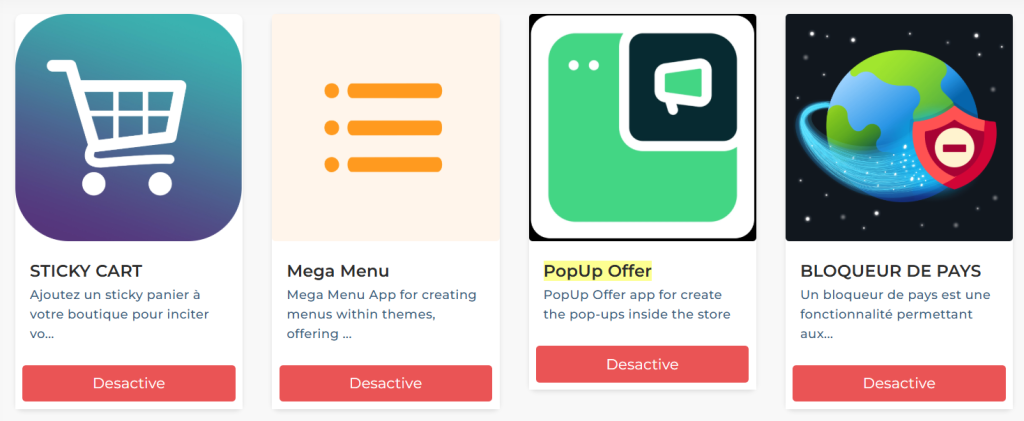
- Navigate to the Applications menu on the left-hand side of your admin panel.
- Locate PopUp Offer and click Add.
- Activate the app after installation.
- Click on the app icon to access configuration settings.
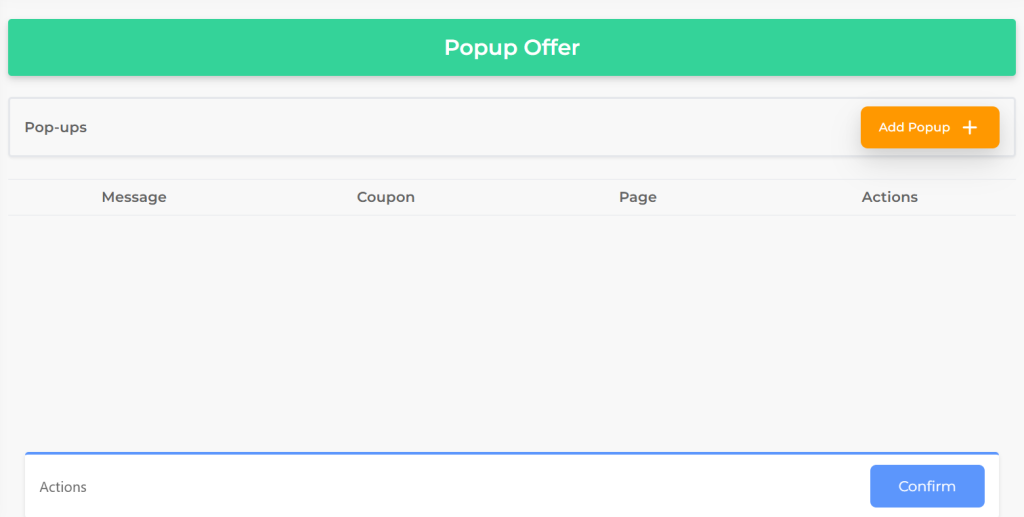
Configuring the PopUp Offer App
Customize Appearance
- Use the color palette to set the background and font colors of your pop-up.
- Preview your changes in real-time.
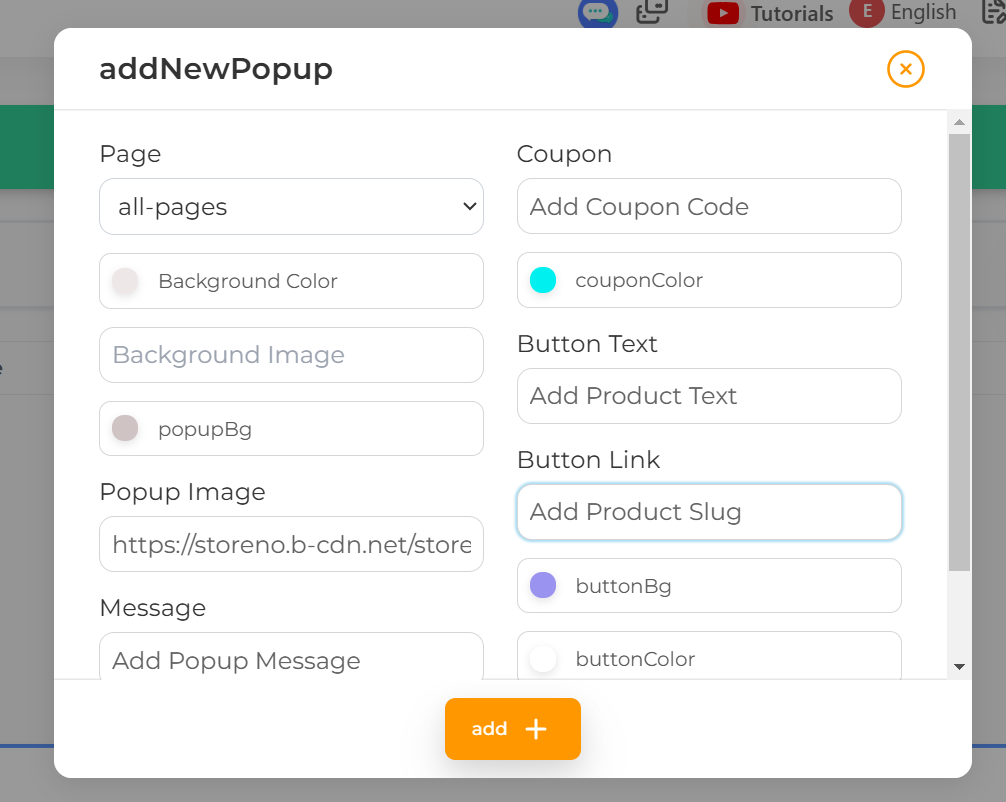
- Set Messages
- Configure two types of messages:
- For new visitors: Add a welcome or promotional message.
- For returning visitors: Add a loyalty-focused or personalized message.
- Choose default or custom user names to display dynamically.
- Select Products
- Choose specific products to feature in the pop-ups.
- Enable random product selection for variety.
Adjust Timing
- Set the time intervals for showing and hiding the pop-ups. Example: Display for 20 seconds, hide for 5 seconds.
Position the Pop-Up
- Select the position on the page where the pop-up will appear.
- Confirm changes to save your configuration.
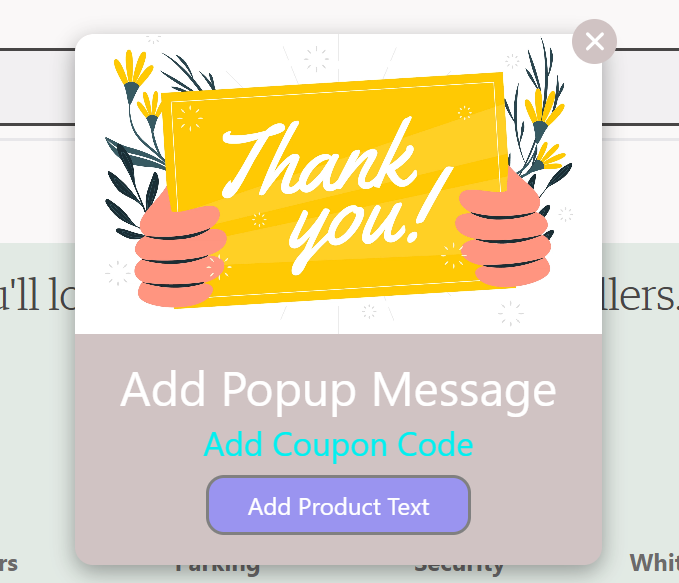
Additional Information
- User-Friendly: Easily adaptable for multilingual stores.
- Mobile-Optimized: Pop-ups are responsive and perform well on all device sizes.
Example Use Case
- Flash Sale Promotion: Display a pop-up with “Limited Time Offer: 20% Off Today Only!” linked to featured products.
- New User Engagement: Welcome visitors with “Sign Up and Get 10% Off Your First Order!”